Category Archives: Hardware

Switching to Seagate 8TB IronWolf NAS disks

Time to replace my NAS disks, as storage space runs low, and my 6TB Western Digital drives are now out of guarantee. And I know they die on a regular basis.

This time I decided to go with Seagate IronWolf disks filled with helium,
lets see. at least they seem to also provide good RMA just in case.

=== START OF INFORMATION SECTION ===

Model Family:     Seagate IronWolf

Device Model:     ST8000VN004-2M2101

swapping each disk one by one and resilvering the whole ZFS pool:

root@storage:~ # zpool replace storage /dev/gptid/ca518adc-dae2-11ea-b242-ac1f6bb1f010 /dev/gptid/1116da63-800d-11ec-a9d7-ac1f6bb1f010

root@storage:~ # zpool status storage

  pool: storage

 state: DEGRADED

status: One or more devices is currently being resilvered.  The pool will

continue to function, possibly in a degraded state.

action: Wait for the resilver to complete.

  scan: resilver in progress since Fri Jan 28 08:38:19 2022

132G scanned at 2.70G/s, 3.06G issued at 64.0M/s, 17.3T total

0B resilvered, 0.02% done, 3 days 06:45:13 to go

config:

NAME                                              STATE     READ WRITE CKSUM

storage                                           DEGRADED     0     0     0

  raidz1-0                                        DEGRADED     0     0     0

    gptid/34eb0c58-d274-11ea-ab94-ac1f6bb1f010    ONLINE       0     0     0

    gptid/2d6266b8-0266-11e8-9491-001517d34dc1    ONLINE       0     0     0

    gptid/fa76d2f6-7ed4-11ec-b5c0-ac1f6bb1f010    ONLINE       0     0     0

    replacing-3                                   DEGRADED     0     0     0

      1500263774321294681                         OFFLINE      0     0     0  was /dev/gptid/ca518adc-dae2-11ea-b242-ac1f6bb1f010

      gptid/1116da63-800d-11ec-a9d7-ac1f6bb1f010  ONLINE       0     0     0

errors: No known data errors

root@storage:~ # zpool status storage

  pool: storage

 state: DEGRADED

status: One or more devices is currently being resilvered.  The pool will

continue to function, possibly in a degraded state.

action: Wait for the resilver to complete.

  scan: resilver in progress since Fri Jan 28 08:38:19 2022

2.02T scanned at 5.10G/s, 61.8G issued at 156M/s, 17.3T total

13.9G resilvered, 0.35% done, 1 days 08:09:11 to go

config:

NAME                                              STATE     READ WRITE CKSUM

storage                                           DEGRADED     0     0     0

  raidz1-0                                        DEGRADED     0     0     0

    gptid/34eb0c58-d274-11ea-ab94-ac1f6bb1f010    ONLINE       0     0     0

    gptid/2d6266b8-0266-11e8-9491-001517d34dc1    ONLINE       0     0     0

    gptid/fa76d2f6-7ed4-11ec-b5c0-ac1f6bb1f010    ONLINE       0     0     0

    replacing-3                                   DEGRADED     0     0     0

      1500263774321294681                         OFFLINE      0     0     0  was /dev/gptid/ca518adc-dae2-11ea-b242-ac1f6bb1f010

      gptid/1116da63-800d-11ec-a9d7-ac1f6bb1f010  ONLINE       0     0     0  (resilvering)


After that the available space did automatically jump from 20.3TB to 29.1 TB, due to zpool autoexpand feature turned on.
Apple Magic Keyboad with Fingerprint Sensor

I really did hesitate a long time due to the high price for that Apple Keyboard with fingerprint sensor, a.k.a. Touch ID.

The Apple Magic Keyboard with Fingerprint Sensor has become indispensable for me, thanks to its seamless blend of security, convenience, and elegance. The fingerprint sensor—integrated into the Touch ID/power button—is a game-changer for authentication. Gone are the days of typing passwords across countless apps and websites; now, a simple touch logs me in instantly. This is especially transformative with Passkeys, Apple’s passwordless login system. My fingerprint replaces clunky passwords for iCloud, Safari accounts (like Google or Microsoft), and third-party services, making security feel effortless. No more memorizing complex strings or fumbling with two-factor codes—just a tap to unlock my digital life.

The sensor’s placement is perfect, nestled into the right-side function keys, so it feels natural while typing. Even in low light, I never miss it. Beyond convenience, Touch ID ensures biometric data stays encrypted on-device (via Secure Enclave), giving me peace of mind that sensitive info isn’t stored online or shared with apps.

The keyboard itself is a joy to use: crisp key travel, whisper-quiet mechanics, and the sleek aluminum build typical of Apple peripherals. Whether coding, writing, or browsing, the tactile feedback keeps me productive for hours without fatigue. Pairing it with my Mac is instant via Bluetooth, and the battery lasts weeks on a single charge.

For anyone juggling passwords daily—or embracing Passkeys—the Magic Keyboard’s fingerprint sensor isn’t just a luxury; it’s a productivity upgrade that redefines how we interact with our devices securely. I’ll never go back to traditional keyboards.

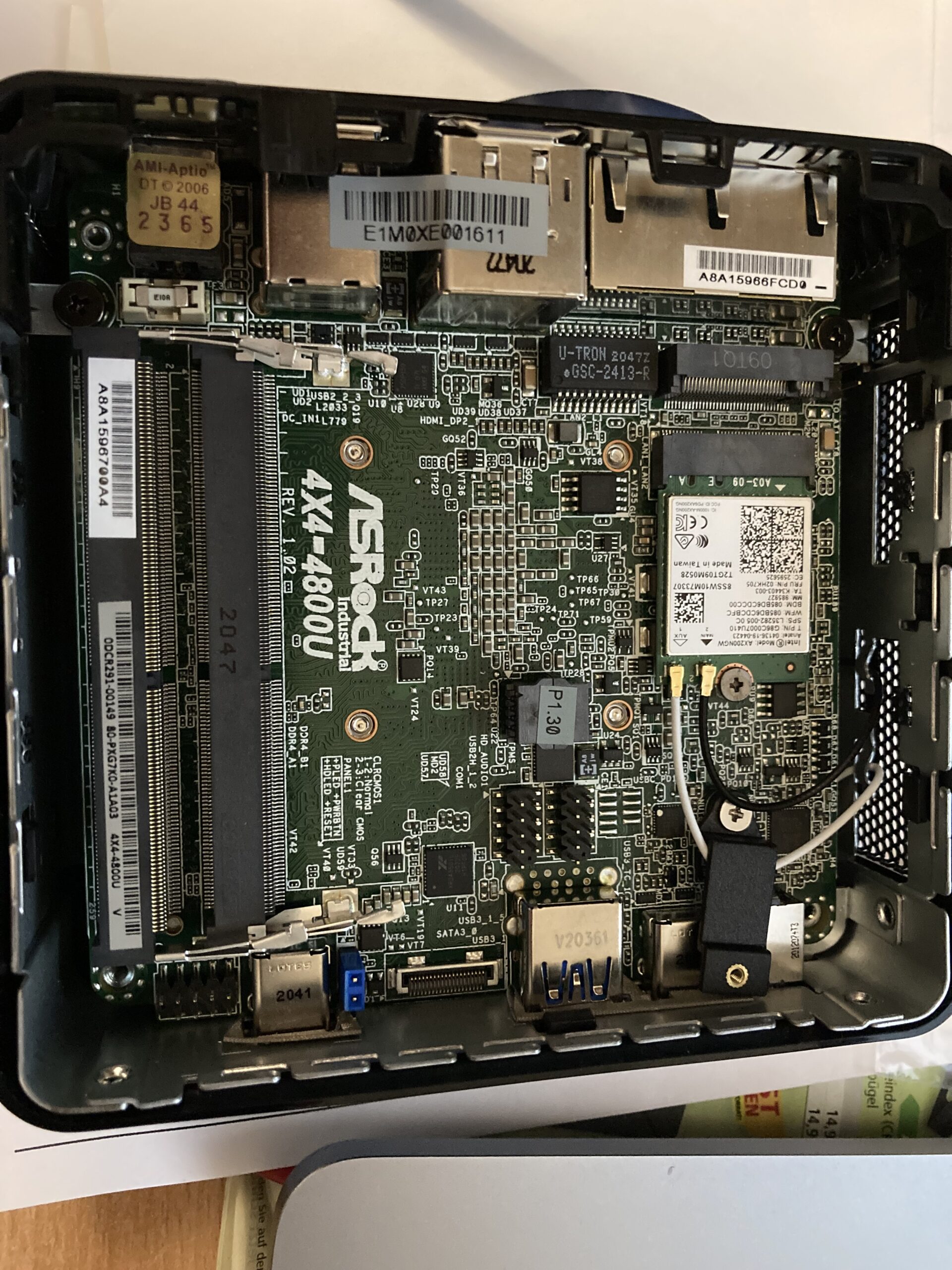
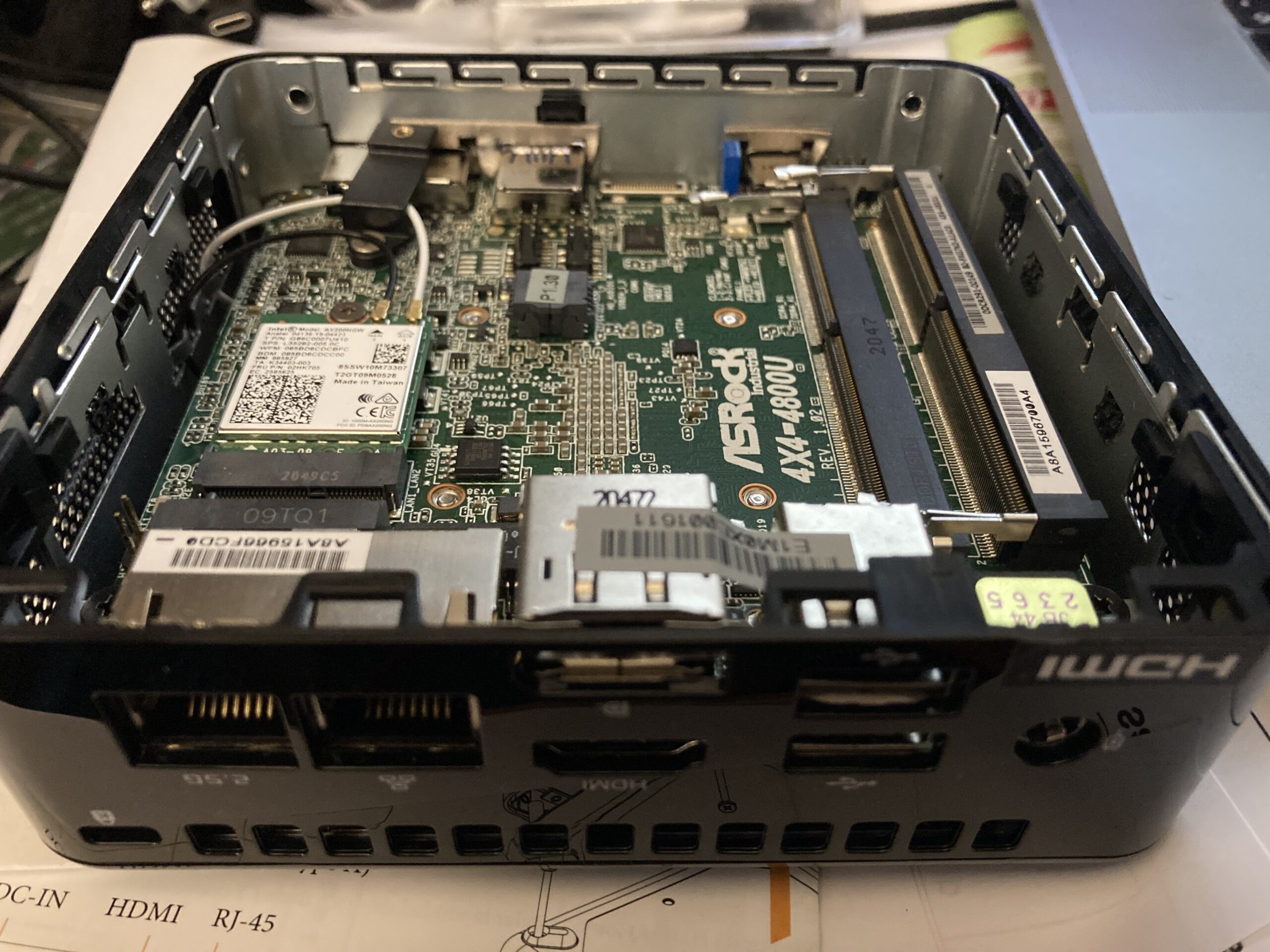
AsRock 4×4 Box-4800u mini PC

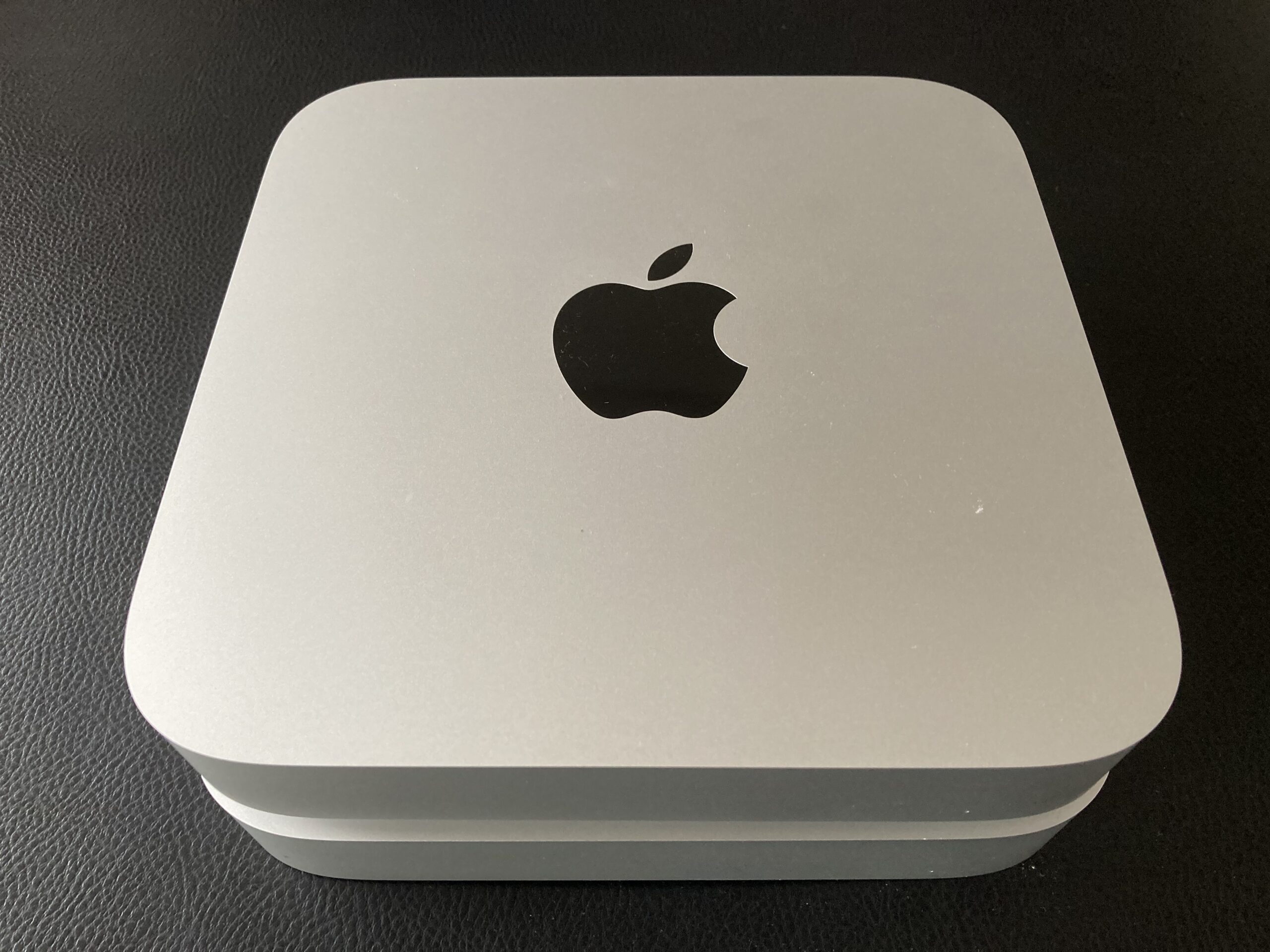
Decided to try the new Asrock 4×4 Box 4800u mini PC, as a replacement in my ProxMox Cluster.

And WOW ! what a platform.

The Ryzen 7 4800u runs at max 4.2GHz, but I use it in powersave mode anyway. TDP is 15Watts only

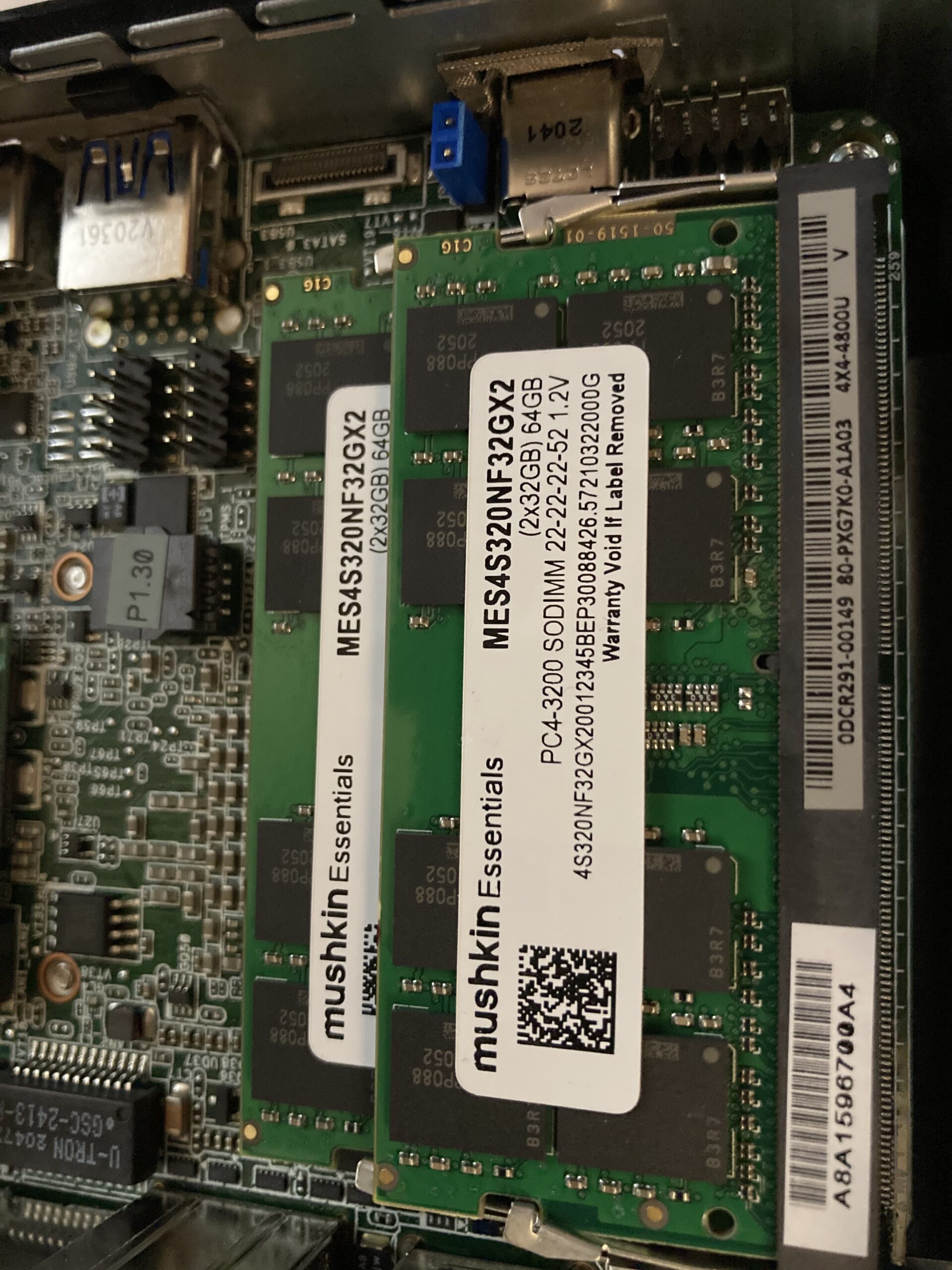
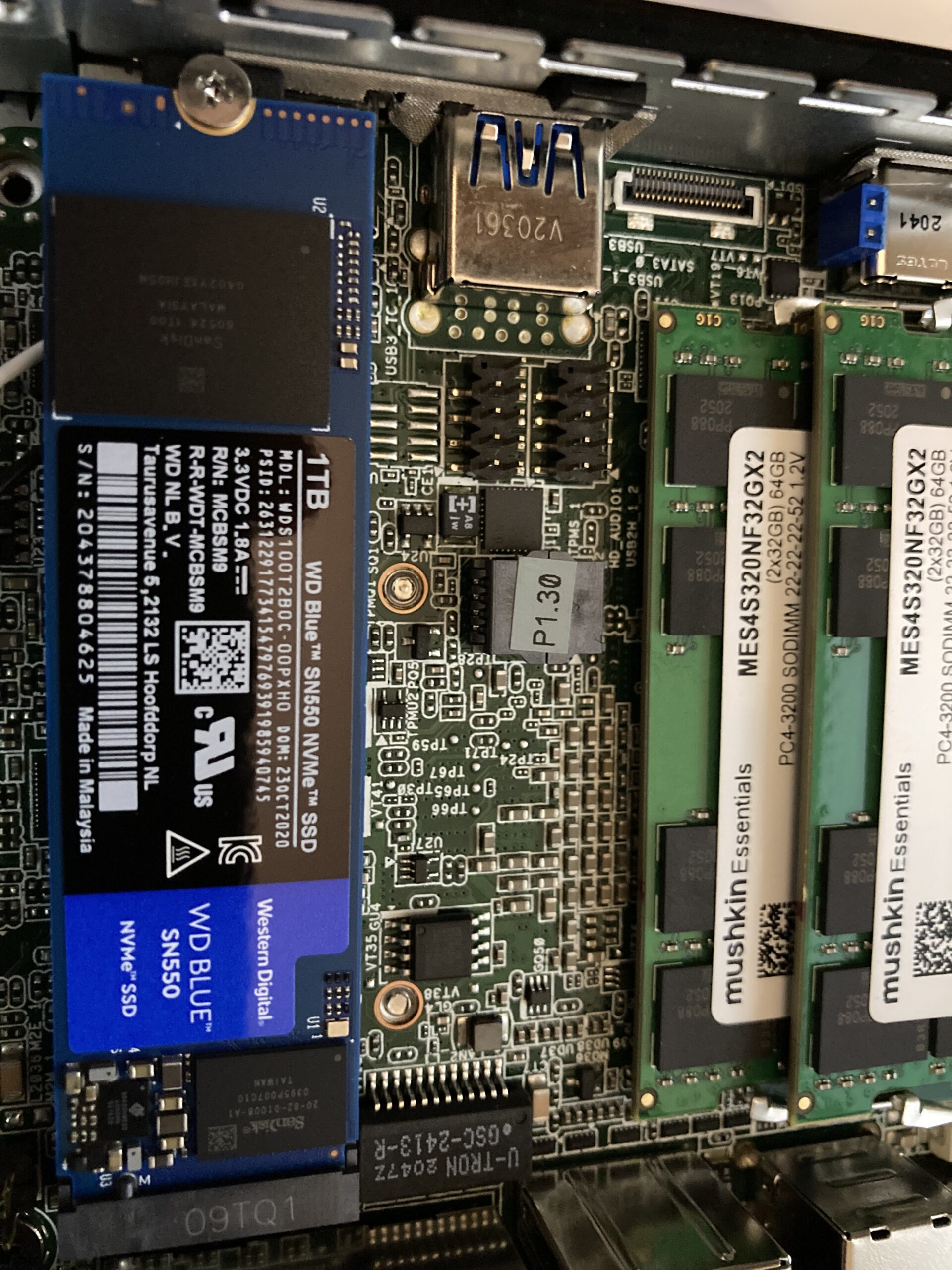
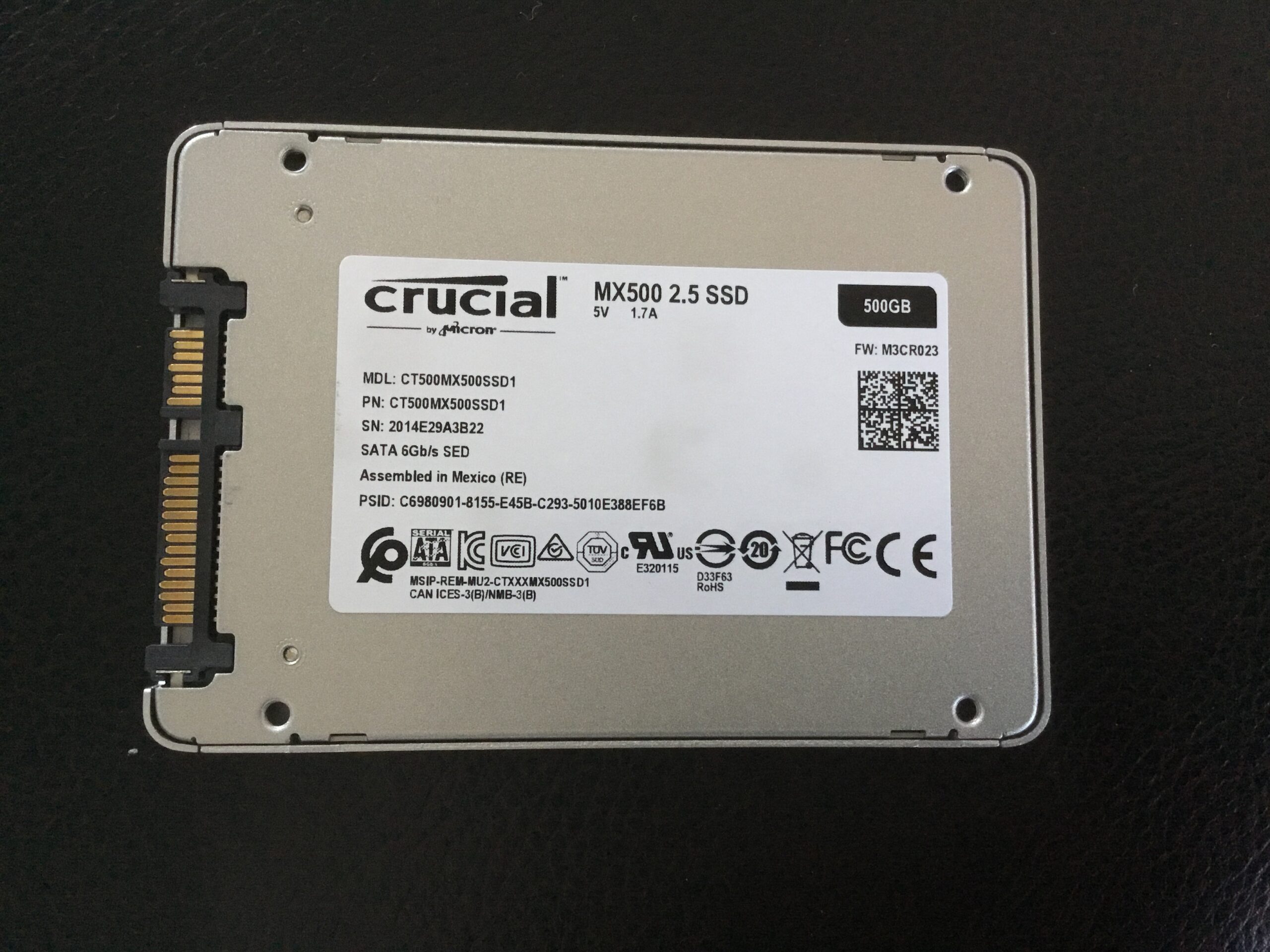
I use it with 64GB of RAM and an internal 1TB M2.SSD WD SN550, and a spare SSD 500GB I had flying around

Thus my Proxmox got a serious power upgrade. Looking forward to replace my old CI323 nodes soon, currently I run on 5 nodes in Proxmox,
making the reaction time of my kubernetes nodes much much faster.

Logitech Webcam C925e

Time for a new webcam. This time it needed to be FullHD but also be able to send the full stream via USB without killing the quality or performance.
So my choice is the Logitech C925e which supports h.264 video encoding 1080p/30fps.
Excellent low light behavior stable colors. No focus pumping, everything crystal clear. Good enough for work. That 4K stuff is simply too expensive and not yet required.

KLIM Puma 7.1 Surround Headset with vibration

My old headset just busted into pieces, and since my wife now also works within the same room in homeoffice I needed to buy new quality headsets.
I did choose the KLIM Puma for that. They are directly USB connected,
and provide good isolation of room noise. In fact they are also fantastic for gaming, as they can do 7.1 surround sound, and for the extra boom provide vibration, so you know exactly when you got shot 😀
Fantastic low price, and I wanted to avoid extra audio conversion or wireless issues. Just plug and play.